Image
Disregard if you are already enrolled
Effective Tuesday, March 24, 2026, two-factor authentication (2FA) will be required for all users of Haiku and Canto, the Epic mobile and iPad applications, when on a non-EH Wi-Fi network. Many users already enrolled last fall when 2FA was first implemented. If you have not yet enrolled, you must do so for uninterrupted access.
Step 1 of 2: Download an Authenticator App
If you do not have either Google Authenticator or Microsoft Authenticator on your mobile device or iPad, download one from the App Store or Google Play.
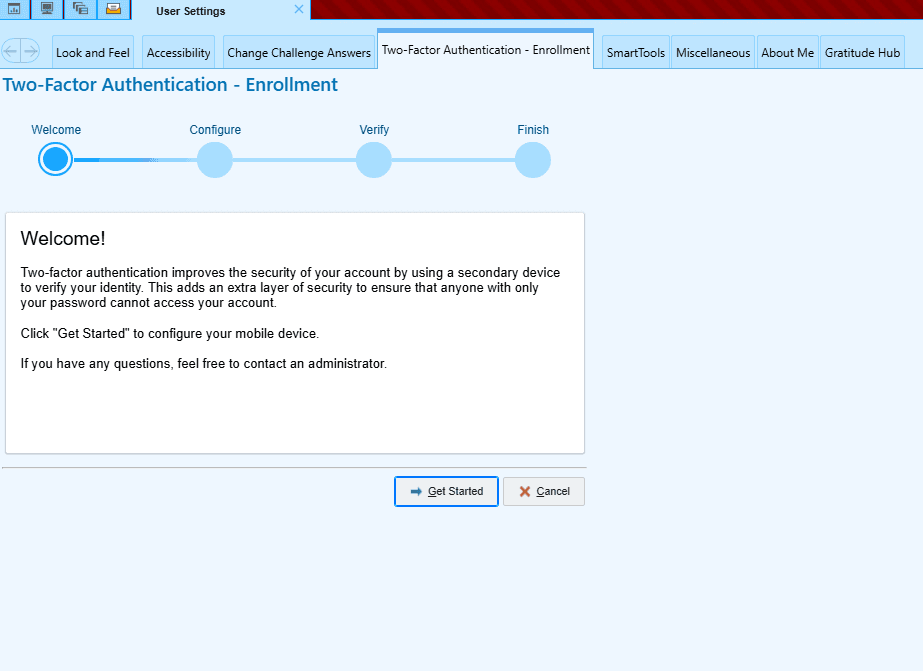
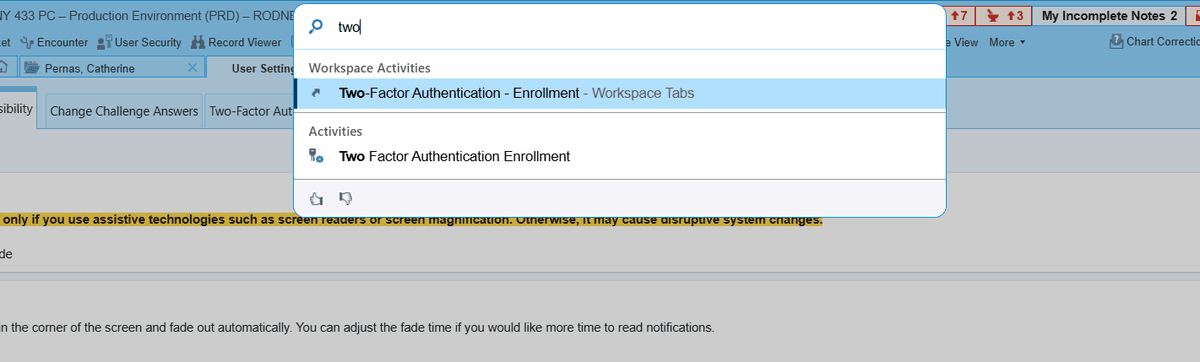
Step 2 of 2: Enroll via Hyperdrive on a Desktop (on EH network or via Citrix)
Follow these instructions to complete the enrollment process (see screenshots below instructions):
If you have any questions, please contact the IT Service Desk, 201-894-3483.